Your cart is currently empty!
Point Cloud Slow in Revit? 10 Practical Ways to Speed It Up
Practical ways to keep Revit responsive with large laser scans: crop what you see, hide what you don’t need and keep the files light.
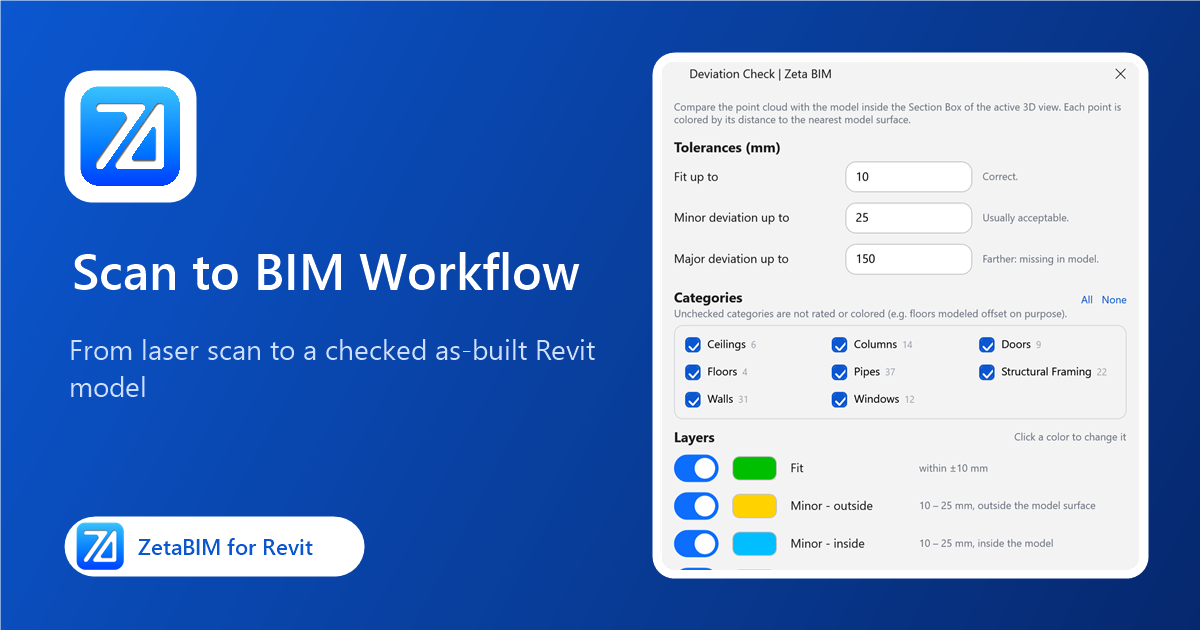
Scan to BIM Workflow in Revit: From Laser Scan to As-Built Model
The stages of a scan-to-BIM project in Revit, what each one needs, and where tools can save the most time.
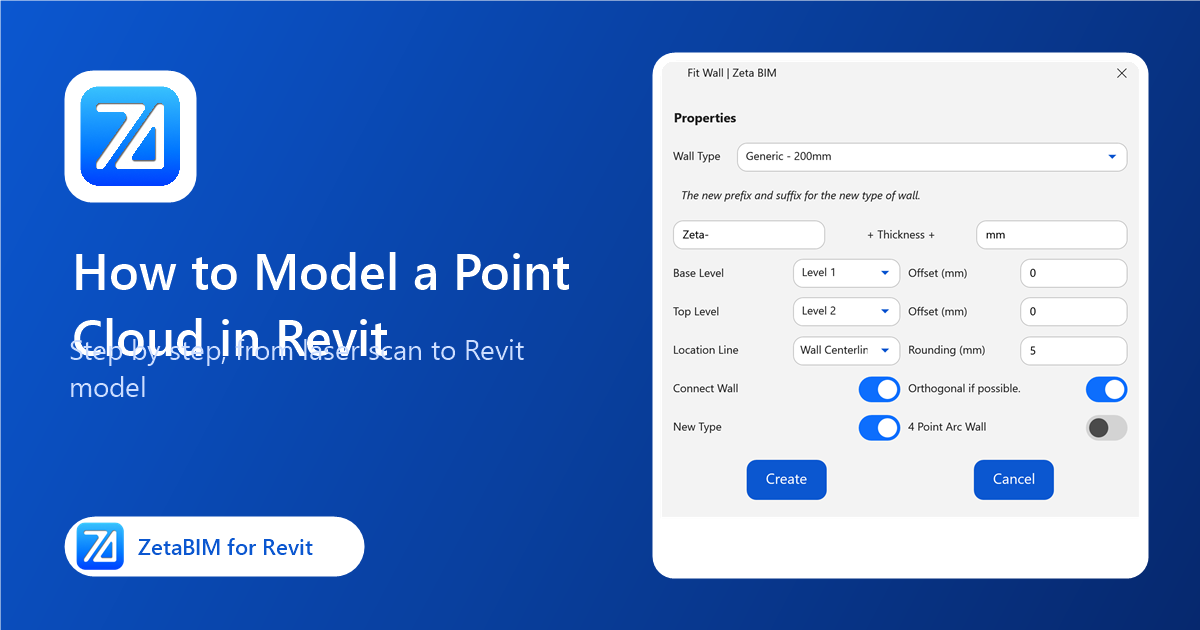
How to Model a Point Cloud in Revit: Step-by-Step Guide
A practical, step-by-step guide to turning a laser scan into a Revit model, with native Revit steps and the shortcuts ZetaBIM adds.
ZetaBIM Settings: Output Folder, Section Panels and Family Parameter Names
Where ZetaBIM saves files, which section tools show a dialog, and which family parameters Fit Arch and Fit Structure use for sizes.
MEP Corner and MEP Tee: Connect Pipes, Ducts and Cable Trays in Revit
Pick two runs and get an elbow, or a main and a branch and get a tee. The runs are extended or trimmed to meet.
ID Element Link: Get the Element ID in a Revit Link
Pick an element inside a linked model and its element ID is copied to the clipboard, ready for coordination notes and Select by ID.
Snap Floor: Lay Revit Floors and Paths onto Topography
Shape floors such as paths, terraces and pads so they follow the terrain under them, with an optional offset.
Snap Family: Snap Families to Floors, Roofs and Terrain in Revit
Move many families up or down so each one sits on a floor, ceiling, roof or toposolid, with an optional offset.
Face Section Box: Box Any Element and Look Straight at a Face in Revit
Pick a face: the 3D section box fits the element, aligned to that face, and the view turns to look straight at it.
Parallel Section: Section Along Walls, Beams and Pipes from Your Side
Pick a wall, beam or pipe and a section along it opens, looking at it from the side you were looking from.