
Your cart is currently empty!
Practical articles on BIM standards in Revit, point clouds and scan-to-BIM delivery: naming, LOD and LOA, worksets, QC and the habits that keep a scan-based model clean.
ISO 19650 in Revit: A Practical Checklist for Small BIM Teams
What ISO 19650 asks of a Revit model in practice: file naming, status and revision codes, project information, coordinates and a clean handover.
LOD vs LOA in Scan to BIM: What They Mean and What to Promise Your Client
Level of Development says what is modeled; Level of Accuracy says how close it is to the scan. Here is how to use both in a scan-to-BIM scope.
Revit Naming Conventions: A Practical BIM Standard for Families, Types and Views
A simple naming standard for families, types, views, sheets and worksets that keeps Revit models readable for every team member and every client.
Point Cloud Slow in Revit? 10 Practical Ways to Speed It Up
Practical ways to keep Revit responsive with large laser scans: crop what you see, hide what you don’t need and keep the files light.
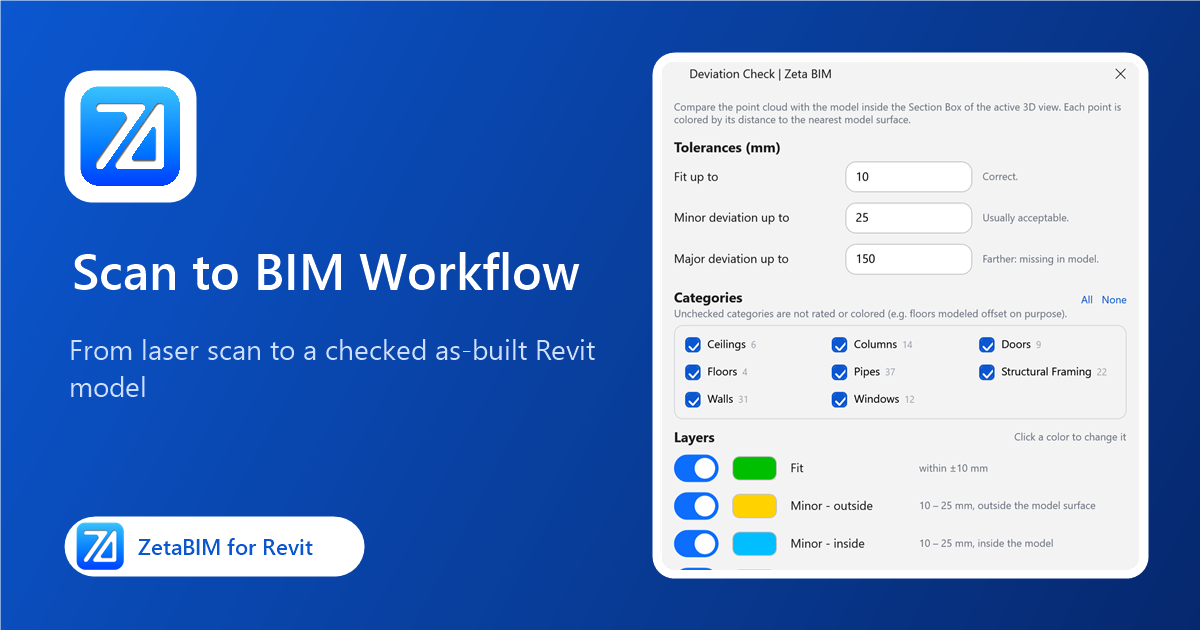
Scan to BIM Workflow in Revit: From Laser Scan to As-Built Model
The stages of a scan-to-BIM project in Revit, what each one needs, and where tools can save the most time.
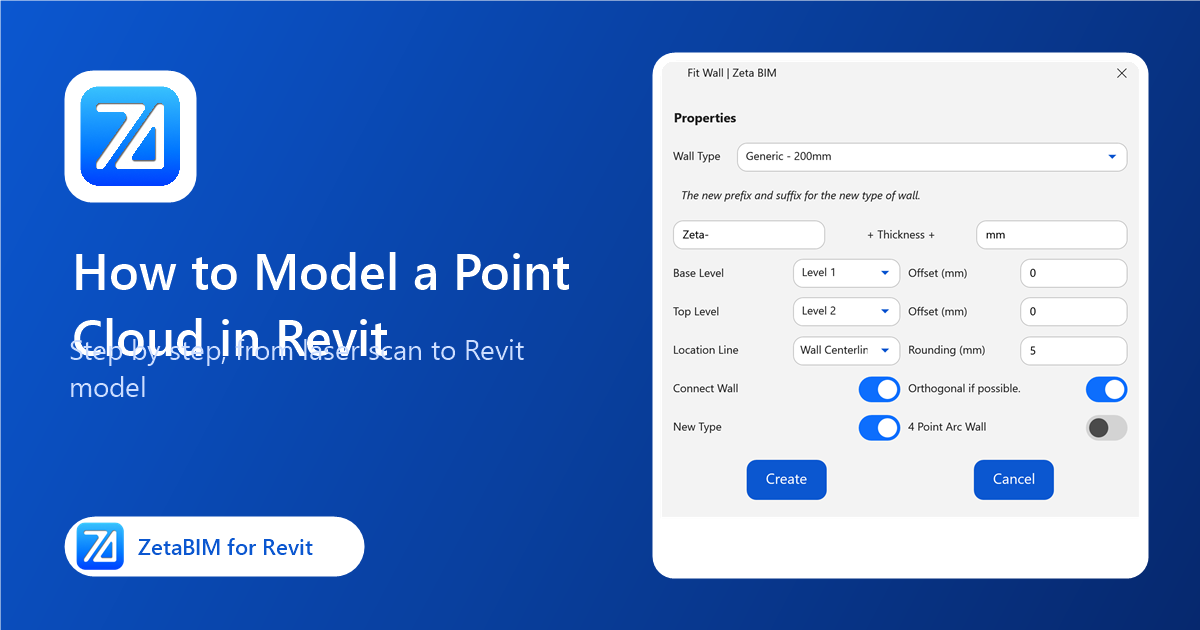
How to Model a Point Cloud in Revit: Step-by-Step Guide
A practical, step-by-step guide to turning a laser scan into a Revit model, with native Revit steps and the shortcuts ZetaBIM adds.