Your cart is currently empty!
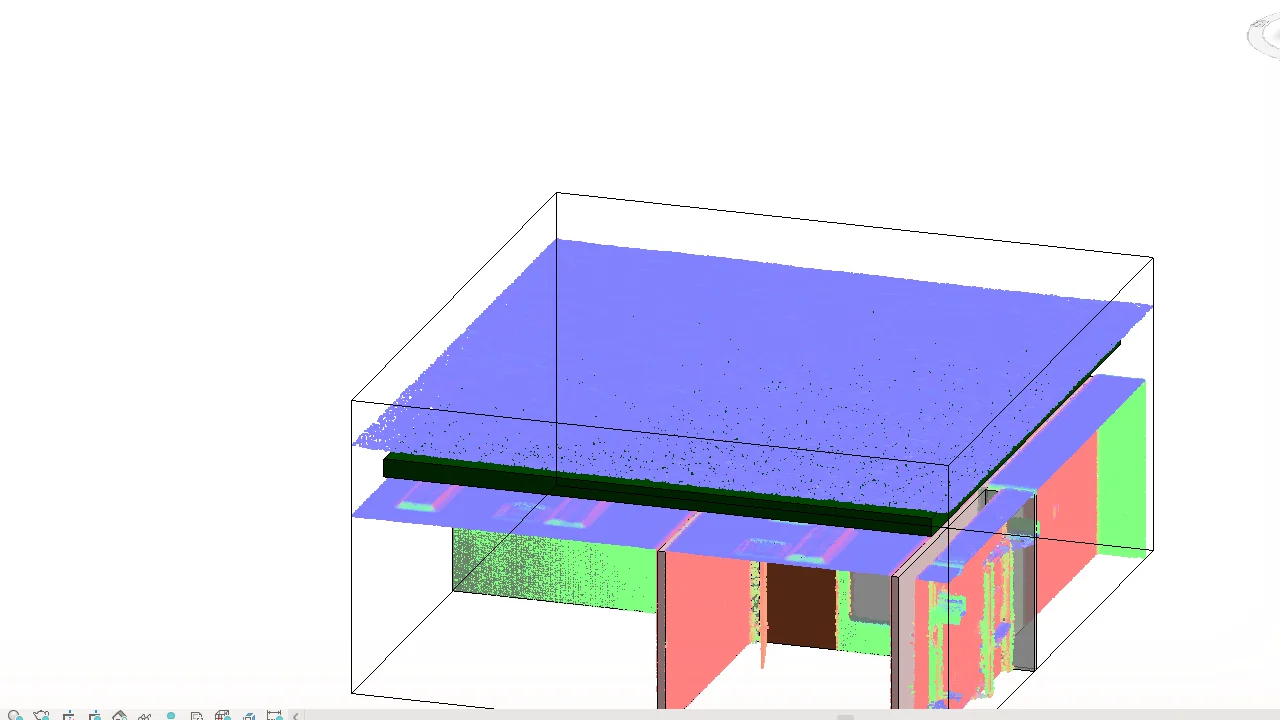
"Flat" roofs are never flat: they fall to outlets and sag between supports. Roof By Points shapes a Revit roof from point cloud levels, so the model shows the real falls.
Why shape a Revit roof from point cloud levels
- Real falls and low points. Drainage studies and repairs need the true surface, not an ideal slope.
- Fast. All the points you select are added in one step instead of one by one with Modify Sub Elements.
- Same workflow as floors. It works like Floor By Points, so there is nothing new to learn.
Before you start
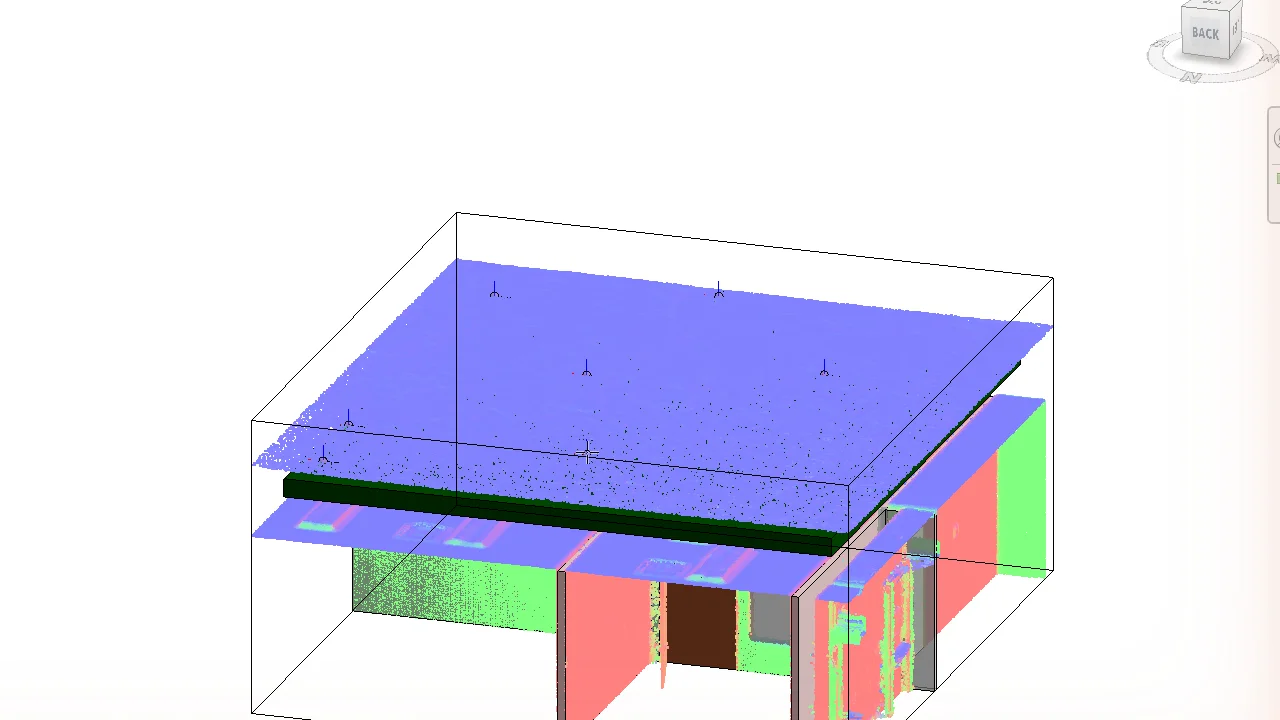
- Place ZetaRefPoints on the roof surface with Calculate Surface or Placing Ref Point.
- Use a footprint roof that covers the points in plan.
Steps
-
Click Roof By Points (Zeta BIM tab › PointCloud Tools).
-
Pick the roof.
-
Select the ZetaRefPoints (a window selection is fine) and click Finish.
-
The roof is reshaped in one step. One Undo restores it.
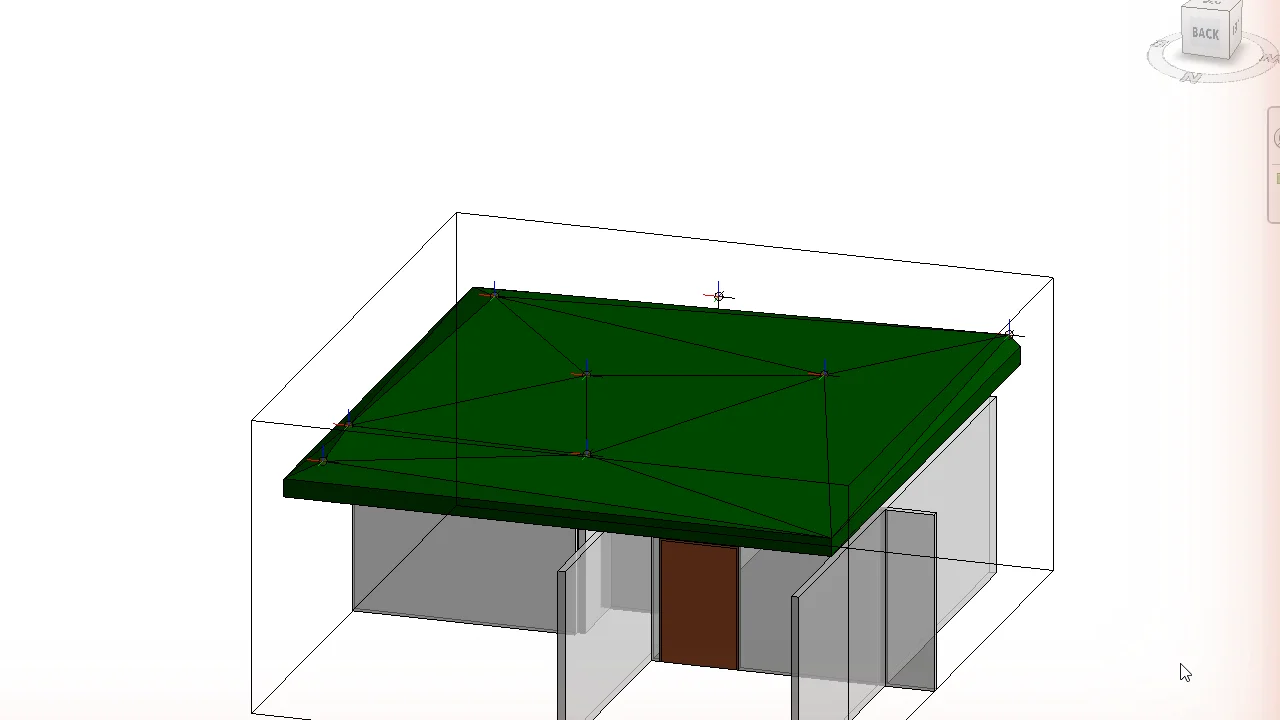
Results
- Points that Revit cannot add, for example outside the roof boundary, are skipped. All other points are still added.
- If no point can be added, a message shows the reason and the roof is not changed.
- Revit warnings raised while reshaping are closed for you.
FAQ
Which roofs can be shaped?
Footprint roofs that Revit lets you shape edit. Extrusion roofs cannot be shaped this way.
Can I edit the roof afterwards?
Yes. The shape points are normal Revit shape points; move or delete them with Modify Sub Elements.
Related
Get ZetaBIM
ZetaBIM is a Revit plugin for scan-to-BIM teams. See the complete guide to the Revit point cloud plugin workflow. Download ZetaBIM to try it, browse more ZetaBIM tutorials, or watch the videos on the ZetaBIM YouTube channel.
About The Author